



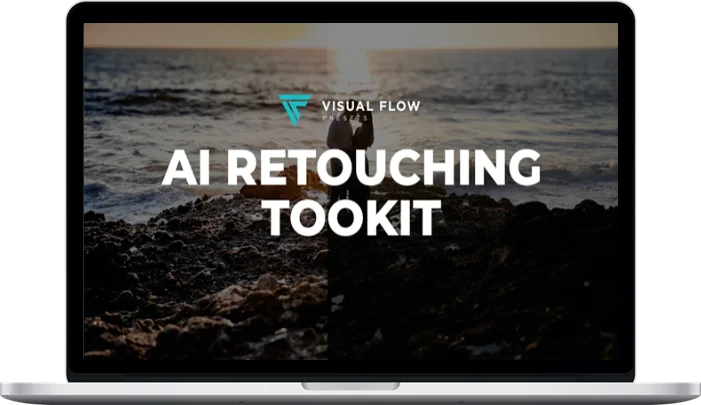
Visual Flow – AI Retouching Toolkit
Original price was: $150.00.$29.00Current price is: $29.00.
Delivery: Within 7 days
Visual Flow – AI Retouching Toolkit
The AI Retouching Toolkit brings 31 AI-powered presets to Lightroom Classic that will put an entirely new set of creative possibilities at your fingertips. From one-click presets that completely retouch and enhance your portraits, to individual presets that allow you to automatically brighten eyes, smooth skin tones, dodge and burn your subjects, enhance backgrounds, burn skies, and more!
Put simply…
The AI Toolkit delivers a complete solution for doing 99% of your work in Lightroom Classic, so you can skip Photoshop almost entirely.
Includes:
- 31 AI-powered one-click retouching presets
- 47 retouching brushes and 26 tools
What You’ll Learn In AI Retouching Toolkit
01. Retouching without Photoshop
Smooth skin tones, adjust skin color, diminish lines, enhance eyes, thicken lashes, and more. Use the 1 click preset or refine with the included brushes.
02. Dodging & Burning
Powerful dodging and burning tools that make Photoshop a thing of the past for most of your portrait imagery. Use the 1 click preset or refine with the included brushes.
03. Make Your Subjects Pop
Darken the background with one click to make your subjects pop naturally.
04. Scene Enhancements
Add sun flares, make your clouds pop, enhance texture and details with powerful enhancement brushes.
05. Add Sun Flares
Easily add or enhance realistic sunflares to your images directly in Lightroom with one click and drag.
More courses from the same author: Visual Flow
Be the first to review “Visual Flow – AI Retouching Toolkit”
You must be logged in to post a review.
Related products

Development & IT

Development & IT

Development & IT
Development & IT

Development & IT
Development & IT
Arielle Phoenix – Bulk Publishing System + AI-Integrated Spreadsheet

Development & IT
Reviews
There are no reviews yet.